PDF guides
Step-by-step guides to editing, merging, splitting, compressing and converting PDFs — and printing them as booklets. Every guide was tested with our free PDF Tools, which run in your browser.
 PDF
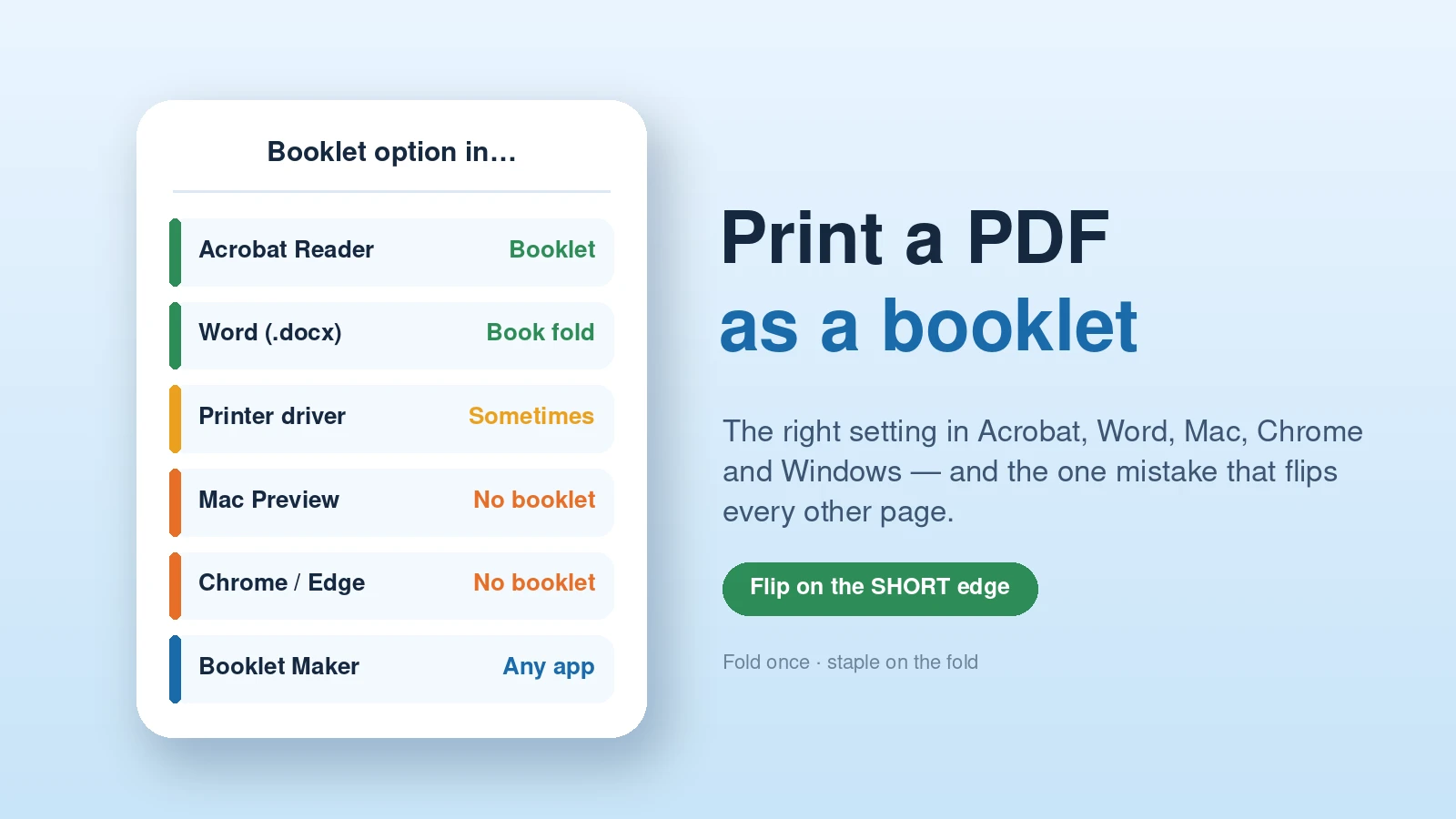
The exact booklet settings for Acrobat Reader, Word, Mac Preview, Chrome and Edge, the short-edge setting that ruins most first attempts, and fixes when it comes out wrong.
Read guide →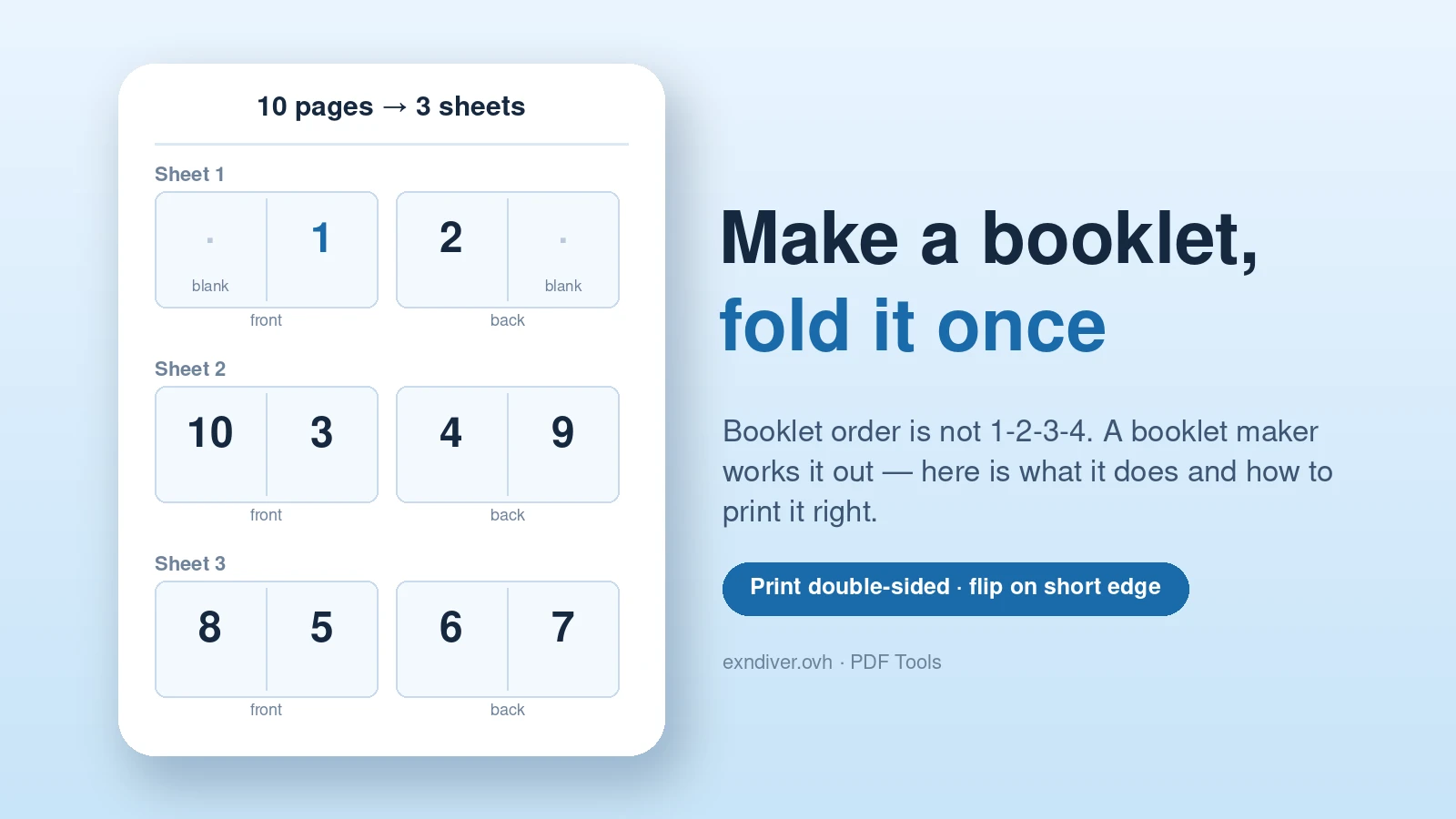 PDF
Let a booklet maker arrange the pages, pick a sheet size that keeps text readable, and print double-sided on the short edge. Tested output inside.
Read guide → PDFA one-page scan can weigh more than a long text report. In our test, a single scanned page was 5.35 MB. The useful first…
Read guide → PDF"The file is too large to attach." If you have seen that message, you need to compress a PDF — shrink its size so…
Read guide → PDFOne giant PDF is rarely what you want to send. Learning how to split a PDF lets you break it into logical pieces —…
Read guide → PDFThe upload form accepts one PDF. You have a cover letter, an application form and an appendix. Add them in that order, merge them,…
Read guide → PDFYou need pages 3 to 7 of a 50-page report, not the whole thing. Learning how to extract pages from a PDF lets you…
Read guide → PDFYou open a scanned PDF and every page is on its side. Learning how to rotate PDF pages — and actually save the rotation…
Read guide → PDFBlank pages from a scanner, a duplicate that slipped in, an internal page you do not want to send — knowing how to delete…
Read guide → PDFScanned a stack of paper in the wrong order? Need the summary page to come first? Learning how to reorder PDF pages is one…
Read guide → PDFAdobe Acrobat Pro is powerful, but it costs around $20 a month and it is far more than most people need to nudge a…
Read guide →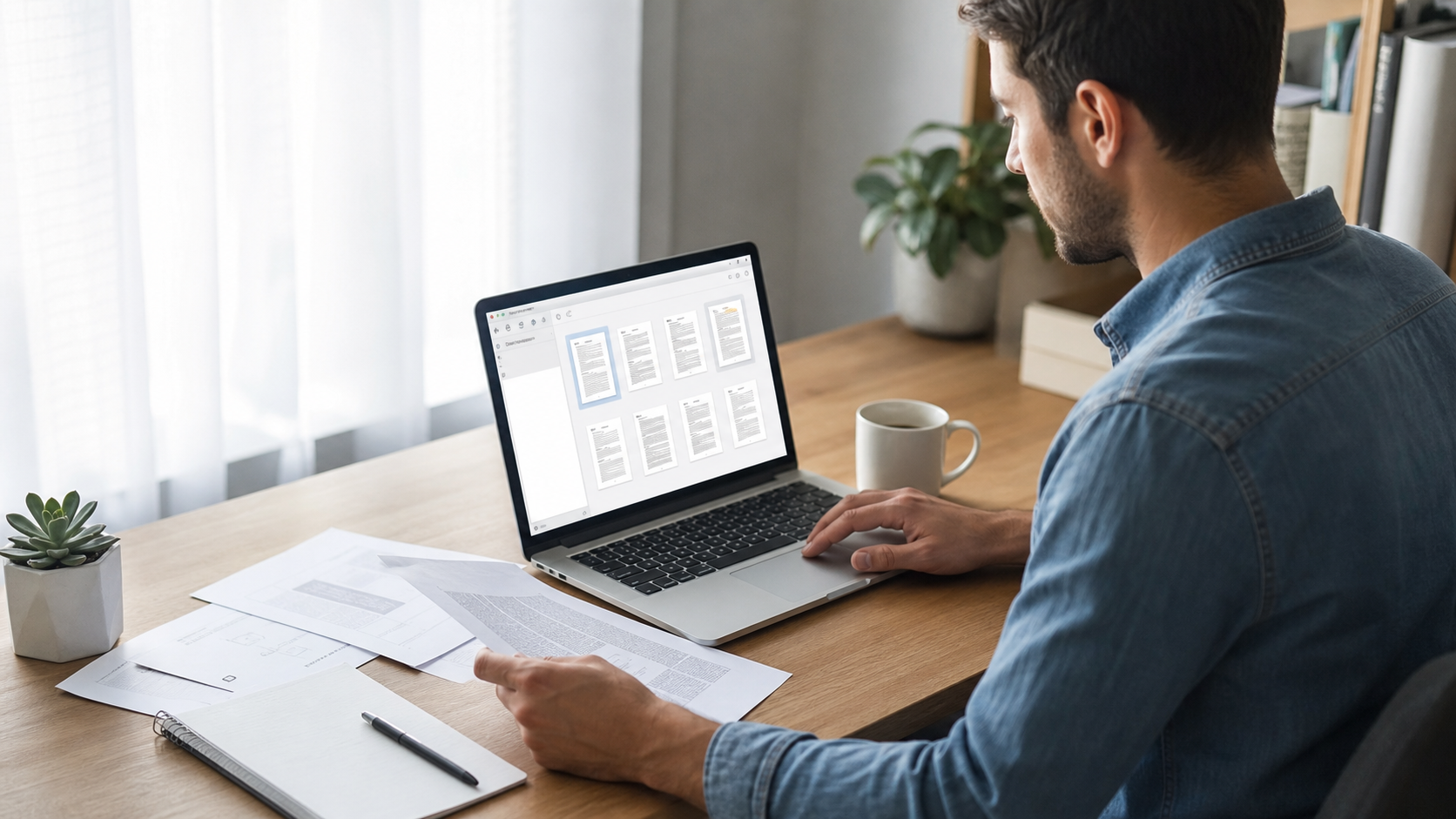 PDF
You have a PDF, you need to change one thing, and suddenly you are staring at a paywall. If you have ever wondered how…
Read guide →