The difference between a frustrating shop and a smooth one is usually organization. A well-structured grocery list gets you in and out quickly with everything you came for. Here’s how to set one up.
Use clear categories
Sort items into produce, dairy, meat, frozen, pantry and household. Categories stop the back-and-forth and make it obvious if something’s missing.
Match the store’s flow
Order your categories to match how you actually walk the store, so the list guides you aisle by aisle. See our guide to organizing by store layout.
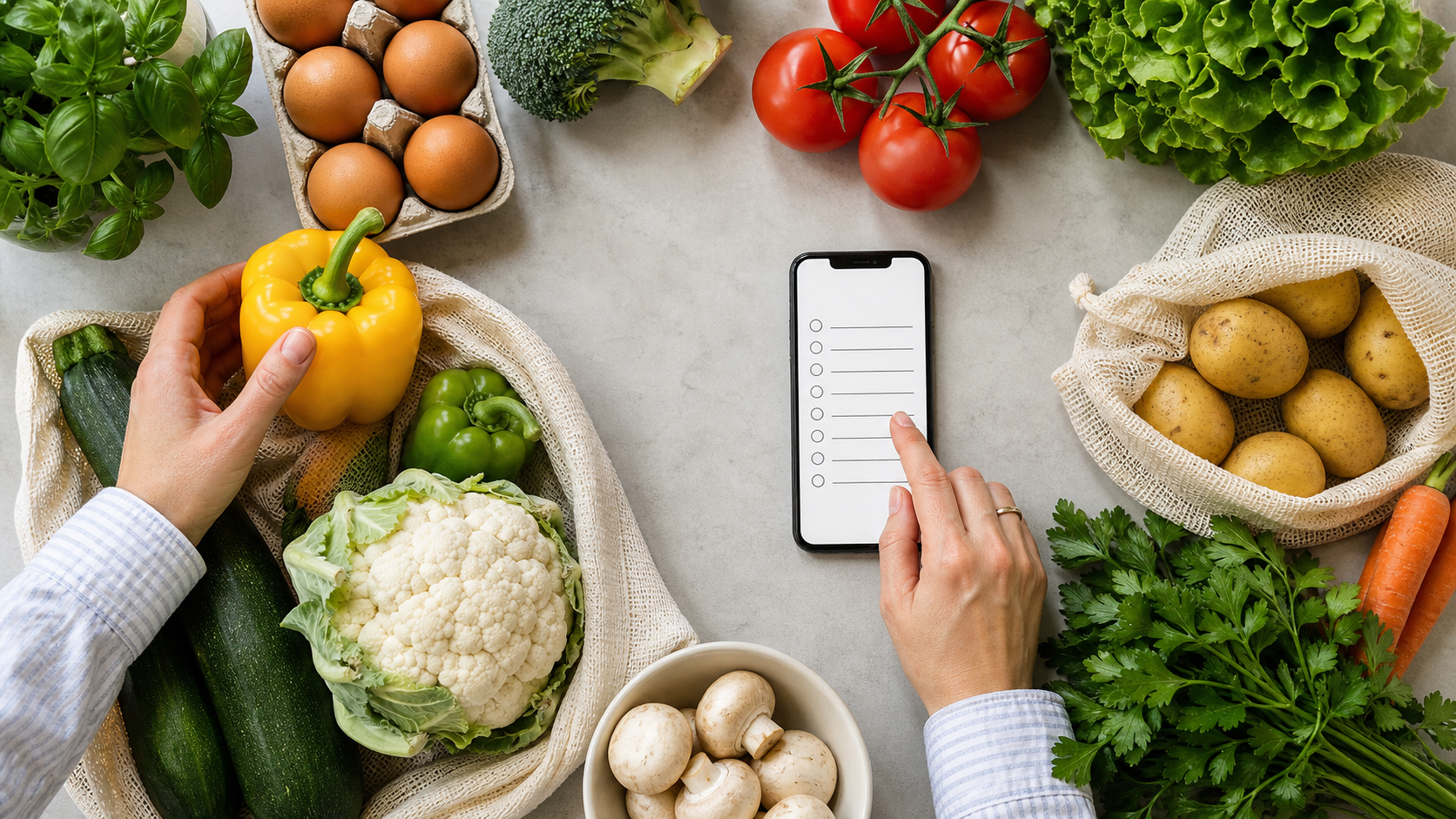
Keep it on your phone
Paper lists get left at home; your phone doesn’t. A digital list also lets you add items the second you think of them. Cartly keeps your lists organized and always with you — and ties in a budget so you shop smart, not just fast.
Maintain a master list
Build a master list of regulars and copy from it each week. You’ll stop forgetting the boring essentials like dish soap and trash bags.
Meet Cartly — shopping lists & budgets →
Cartly is a shopping list and budget planner for iPhone, launching soon.
Frequently asked questions
How should I organize my grocery list?
Group items by category and order them to match your store’s layout so you shop in one smooth pass.
How do I stop forgetting items?
Keep a digital list on your phone and add things the moment you notice you’re low. A master list of staples helps too.
Is a digital grocery list better than paper?
Usually — it’s always with you, easy to edit, and apps like Cartly add budgeting and organization paper can’t.